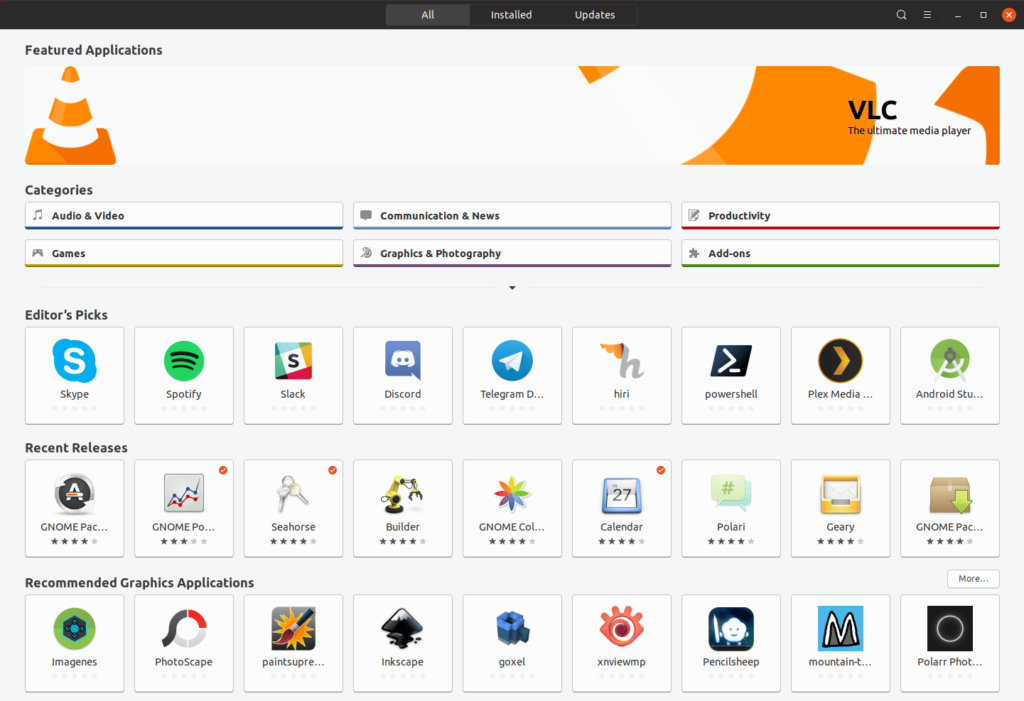
Screen Shots
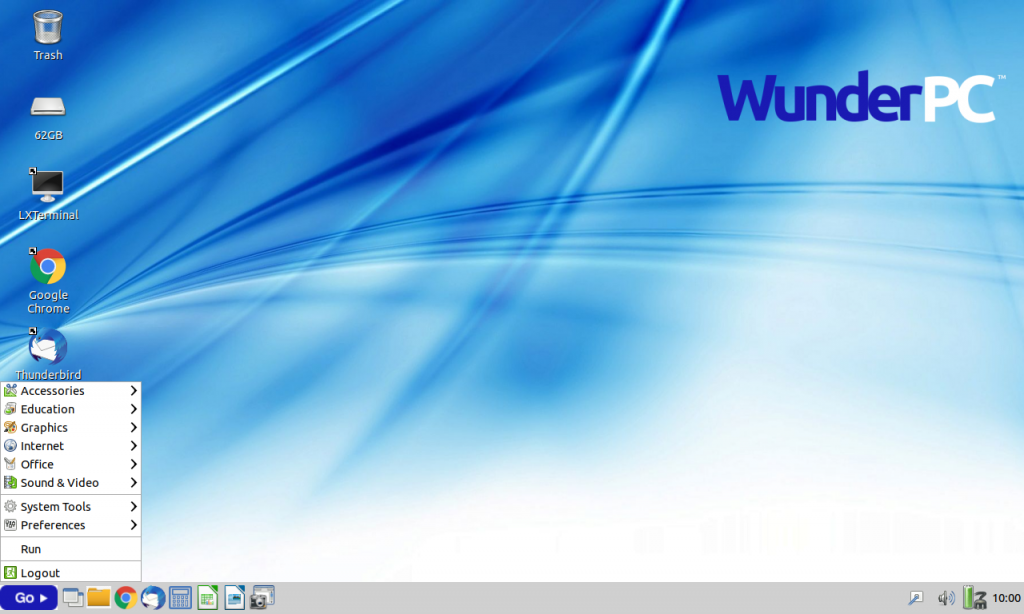
Below are screenshots featuring some of the applications on WunderPC. Click on the start button in the lower left corner to reveal the application launch menu.
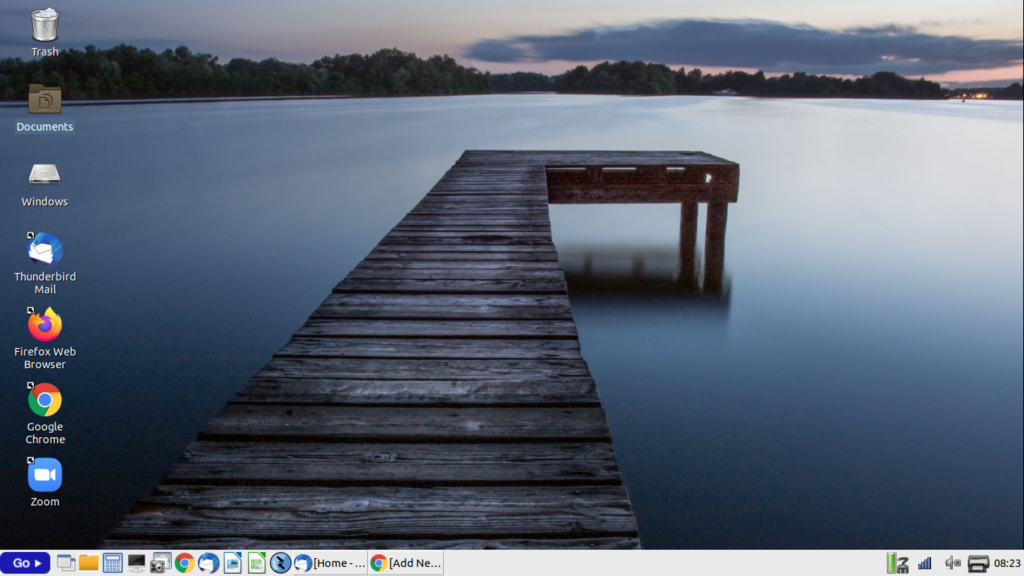
The first image is the WunderPC Desktop with quick launch icons on the lower taskbar. You can customise the desktop with new wallpaper, add and remove quick launch icons on the desktop or lower taskbar.
On the lower right side you can see the power, wifi, sound and printer menu icons. The desktop is extremely flexible
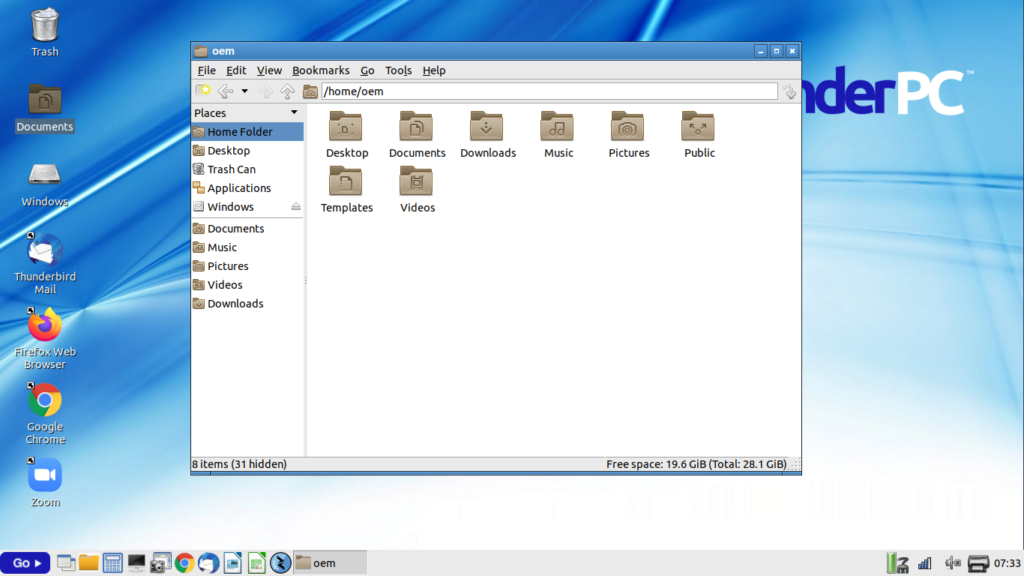
Below are the WunderPC File Manager. On the left you will notice the Windows folder – this is where you can access files and folders on the computer hard drive. All the files and folders are still in place and you have complete access them any time you want.
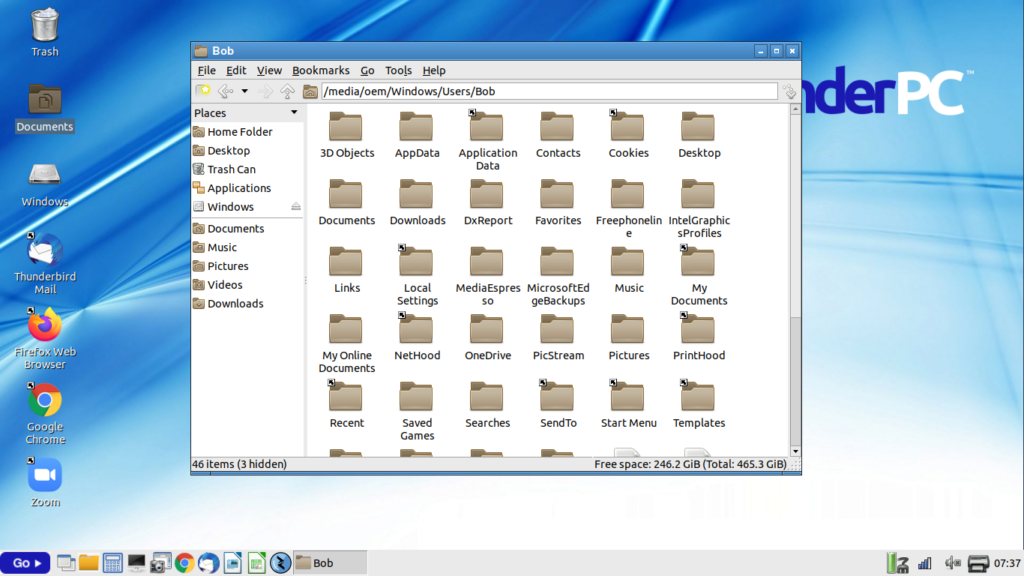
On the right I have drilled down into the Windows folder to show the original My Document folder from the computer hard drive. You can also see the original Pictures, Download, Desktop and Music folders. This can be viewed as icons or select ctrl+4 on your keyboard to display detailed list view.
Easy Access To Files And Folders
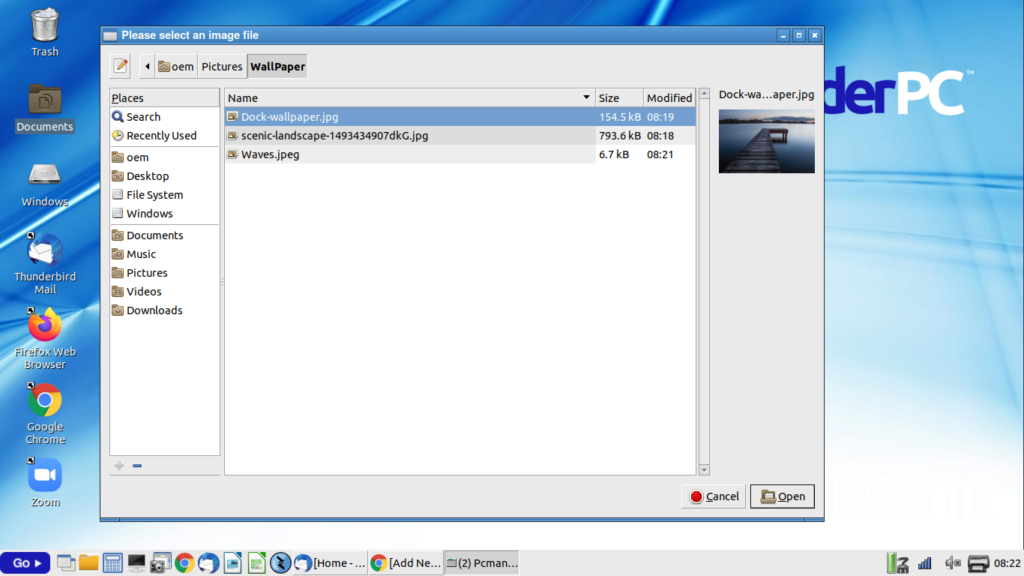
Changing the desktop is very easy – right click anywhere on the desktop and select Desktop Preferences > Appearance and select a new image for your pictures folder wallpaper
Customize The Look And Feel
Wide Selection Of Familiar Applications To Choose From